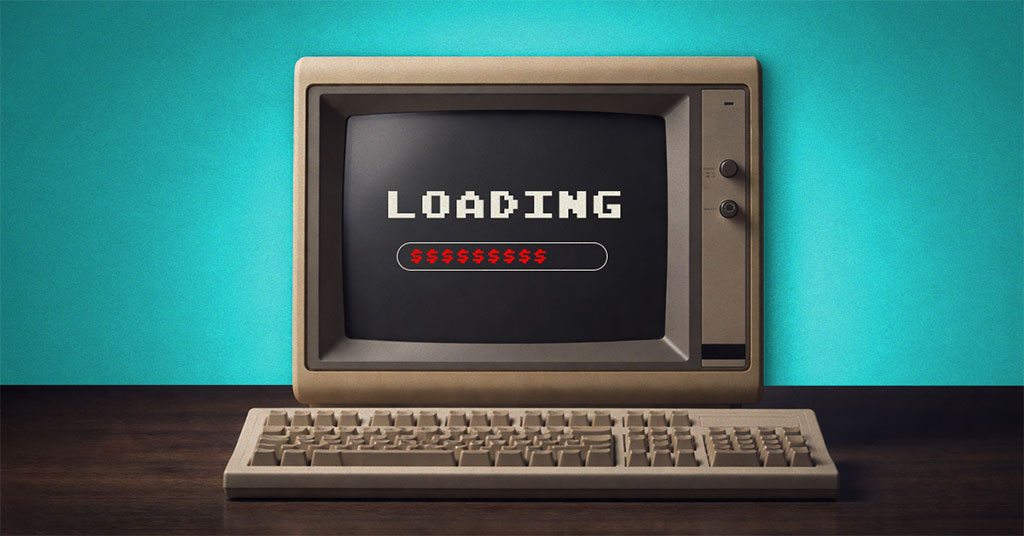
Most people treat outdated technology like a favorite sock with a hole in it, clearly past its prime, but not quite inconvenient enough to replace it yet.
You notice it in small ways. A delay when sending an email. A system freezing just as you click save. A login that takes longer than it should.
It’s frustrating, but not disruptive enough to stop working entirely. So, it gets tolerated. Worked around. Forgotten.
But over time, those small inefficiencies can start to add up in ways that aren’t always obvious.
When “still working” starts to become more expensive
Holding onto older systems can feel like a practical, cost-conscious decision. If something still runs, it can be hard to justify replacing it.
The challenge is that older systems often require more effort to maintain overtime.
That can show up in a few different ways:
- Efficiency and performance impact
Older systems may take longer to complete tasks, load files, or process requests. These delays are often small individually, but across a workday they can reduce overall productivity.
- Increased strain on workflows
As systems age, users often develop workaround restarting devices, repeating actions, or waiting for processes to complete. These interruptions can become part of the daily routine.
- Indirect operating costs
In some environments, older or less efficient hardware can contribute to higher energy usage or increased maintenance requirements, particularly if systems are running harder to keep up with demand.
Individually, none of these always feel significant. But together, they can influence how efficiently a business operates day to day.
What it can look like when systems are modernized
When outdated systems are reviewed and replaced where appropriate, the impact is often felt in workflow consistency rather than dramatic change.
For example:
- systems tend to start and run more reliably
- routine restarts and temporary fixes may become less frequent
- teams may spend less time waiting on processes to complete
- workflows often feel smoother and more predictable
- maintenance and support issues can become easier to manage over time
It’s not about perfection, it’s about reducing friction so teams can focus more on work and less on the tools slowing them down.
Is it time to take a closer look?
If your systems are regularly slow, unreliable, or require frequent workarounds, it may be worth reviewing whether they are still the right fit for your business.
Many organizations continue using older systems simply because they are still functional, even if they are no longer operating efficiently in the background.
Over time, that can make it harder to maintain consistent performance across the team.
How we can help
As an IT partner, our role is to help businesses get a clearer picture of what’s working well, what’s holding them back, and what may be worth improving over time.
That typically includes:
- reviewing systems to identify performance or reliability issues
- helping prioritize upgrades based on business impact
- recommending practical, right-sized improvements
- supporting transitions to minimize disruption
- providing ongoing maintenance and monitoring
The goal is not to replace everything, it’s to help ensure your technology is aligned with how your business operates.
Next step
If you’re unsure whether your current systems are still supporting your team effectively, a quick review can help clarify what’s worth addressing now and what can wait.
Call us at 206-414-7441 or book a 10-minute discovery call, and we’ll walk through your current setup with you and highlight areas that may be worth a closer look.