
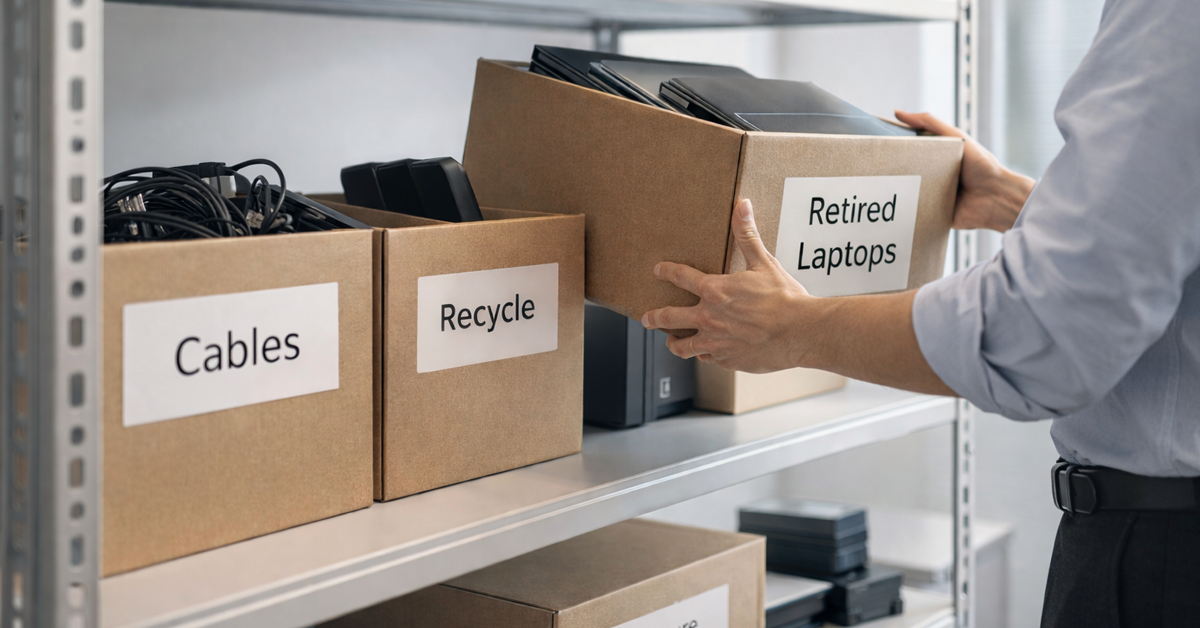
Spring cleaning usually starts with closets, but for most businesses, the real clutter isn’t just on a rack.
It might be on a server rack, or sitting in a storage room, a back office, or a pile labeled “we’ll deal with that later.”
Old laptops. Retired printers. Backup drives from three upgrades ago. Boxes of cables nobody wants to throw away “just in case.”
Every business accumulates this.
The question isn’t whether you have it. It’s whether you have a plan for what happens next.
Technology Has a Lifecycle — Not Just a Purchase Date
When you buy new equipment, there’s usually a clear reason. It’s faster. More secure. More capable. It supports growth.
Most businesses plan how they acquire technology. Fewer plan how they retire it.
When equipment is retired, it often happens quietly. A device gets replaced, set aside, and eventually moved out of the way.
That’s normal.
What’s less common is approaching retirement with the same level of intention as the purchase.
Older devices may still contain data, system access, or reusable components. In some cases, they can also create unnecessary complexity if they remain in storage without a clear plan.
Spring is a natural time to step back and ask: What’s still serving us, and what’s just taking up space?
A Practical Framework for Cleaning Up Your Tech
If you want this to be more than a “we should probably” conversation, a simple four-step approach can help bring structure to the process.
Step 1: Inventory
Start by identifying what is actually being retired, laptops, phones, printers, network equipment, external drives. You can’t manage what you haven’t identified, and a quick walkthrough often reveals more than expected.
Step 2: Decide the Destination
Most devices will fall into one of three categories:
- Reuse (internally or through donation)
- Recycle (through certified e-waste programs)
- Destroy (when data sensitivity requires it)
The key is making the decision intentionally rather than letting hardware accumulate in storage.
Step 3: Prepare the Device Properly
This is where a bit of discipline can significantly reduce risk.
If a device is being reused or donated, remove it from device management systems, revoke user access, and verify that appropriate data erasure steps have been completed.
Deleting files or performing a quick format does not always fully remove underlying data. Depending on the storage type and configuration, some data may remain recoverable without proper erasure methods.
Industry-approved data erasure tools are designed to overwrite data and provide verification reports in line with recognized standards, although effectiveness can vary based on the device and method used.
If equipment is being recycled, use a certified e-waste provider rather than general waste disposal. Requirements and programs may vary by region, so it’s important to work with providers that follow recognized environmental and data handling standards.
For business equipment, this often means working with a certified IT asset disposition (ITAD) provider or an e-waste recycler with credentials such as e-Stewards or R2 certification. Your IT provider can typically help coordinate this process.
If equipment is being destroyed, options may include certified data wiping, physical drive destruction (such as shredding), or degaussing. Maintaining records, such as device serial numbers, method used, and handling details can support accountability and audit requirements.
This isn’t about perfection. It’s about taking reasonable steps to manage risk throughout the lifecycle.
Step 4: Document and Move On
Once equipment leaves your control, it’s good practice to maintain visibility into how it was handled. Documenting where assets went and what actions were taken can help reduce uncertainty and support internal policies or compliance needs.
The Devices People Forget About
Laptops tend to get the most attention. Other devices are often overlooked.
Phones and tablets may still contain email access, contacts, or authentication apps. While a factory reset may remove most user data, business environments may require more thorough processes depending on policies and risk tolerance.
Printers and copiers can contain internal storage that retains copies of printed or scanned documents.Anytime leased equipment is returned, take a moment to confirm what happens to the data.
Batteries and electronic components may be subject to specific disposal requirements depending on your location. Many jurisdictions classify certain types of electronic waste as hazardous or regulated, so it’s important to follow local guidelines and use certified drop-off or recycling programs where available.
External drives and retired servers often remain in storage longer than expected. They may not present immediate issues, but they should be included in the same structured retirement process.
A Quick Word on Recycling
Electronics recycling has become an important global issue. Large volumes of e-waste are generated each year, and a significant portion is not processed through formal recycling channels.
Whenever possible, using certified e-waste programs helps ensure materials are handled in a way that aligns with environmental and regulatory standards.
Handled thoughtfully, retiring technology can support both operational efficiency and environmental responsibility.
The Bigger Opportunity
Spring cleaning isn’t just about getting rid of things. It’s about making space.
Clearing out outdated equipment is one part of the picture. It can also be a useful moment to evaluate whether your broader technology environment is supporting how you want to run your business.
Hardware changes over time. Increasingly, it’s software, systems, and processes that drive productivity and performance.
Clearing out old equipment responsibly is just good practice. When the rest of your technology supports your goals, there’s less to slow you down.
Where We Come In
If you already have a clear process for retiring equipment, that’s a strong position to be in.
If not, or if you’re reviewing your broader technology environment, this can be a good time to take a step back and assess how everything fits together.
If you’d like to explore how your systems, tools, and processes are supporting your business, we’re happy to have a conversation.
No equipment checklist. No pressure. Just a practical discussion about ways to better manage and align your technology.
And if this sparked an idea for another business owner, feel free to pass it along.
Spring cleaning shouldn’t stop at closets. It can extend to the systems that keep your business running.